Plan the delivery schedule, then choose a rental term

Choose a Mac for Your Project

Give each client project its own dedicated Mac mini—without buying a machine for a few weeks of builds. Choose a daily, weekly, monthly, or quarterly term, starting at $20.7 /day. Service stops at the end of the term unless you renew; there are no automatic renewals.

Your Mac is set up the day you order. Check setup progress and remote access details in the console. If you need help during setup or use, sign in to the console and open a support ticket with your order or host details.

Choose a billing term

Daily rates are shown below in USD. See the full comparison table for all four terms.

One machine for each project

Start with your project’s resource needs

All three tiers are dedicated physical machines, not virtual machines, and their hardware is not shared with other tenants. Check the actual needs of your client’s project, simulators, and toolchain before choosing memory and storage. For simultaneous projects, use separate machines to keep client build environments isolated.

Small, single-client projects

VPSCPU Core

Mac mini M4 16GB / 256GB

$20.7 /day

Chip
M4
Unified memory
16GB
Storage
256GB

A good fit for builds, signing, and submissions centered on a single client project. Start with this tier if your toolchain, dependencies, and caches fit within the available local storage.

For a focused project, check the required Xcode version, dependency size, and build headroom—not just the size of the source code.

Rent VPSCPU Core
Build for both platforms

VPSCPU Plus

Mac mini M4 24GB / 512GB

$39.3 /day

Chip
M4
Unified memory
24GB
Storage
512GB

Ideal for Flutter or React Native projects targeting both platforms, with iOS builds running on a cloud Mac. Extra headroom helps when you need your editor, simulators, and project dependencies open at the same time.

Windows teams can keep using their existing development PCs and run macOS tools and client builds on this dedicated physical machine.

Rent VPSCPU Plus

Multiple projects and large repositories

VPSCPU Pro64

Mac mini M4 Pro 64GB / 2TB

$61.5 /day

Chip
M4 Pro
Unified memory
64GB
Storage
2TB

A strong fit for multiple projects, large repositories, and workflows running simulators and Android Studio in parallel. More local storage gives you room for dependencies, build caches, and artifacts.

Extra memory supports demanding workloads; it does not isolate clients. For different clients’ certificates and source code, we recommend using separate machines.

Rent VPSCPU Pro64

Plan cards show the base rental price for the selected term and exclude add-ons. Before paying, confirm the model, location, term, and total in the order configurator. Availability is shown in real time in the console.

Compare all four rental terms

The table below shows the full price list, regardless of the selector above. Choose a term based on how long you need to keep the environment—not just the minutes needed for one build.

Base rental prices for three dedicated Mac mini tiers (USD)
Plan Full specifications Daily Weekly Monthly Quarterly
VPSCPU CoreMac mini M4
16GB / 256GB
$20.7$55.9$103.6$281.8
VPSCPU PlusMac mini M4
24GB / 512GB
$39.3$106.0$196.3$533.9
VPSCPU Pro64Mac mini M4 Pro
64GB / 2TB
$61.5$166.1$307.5$836.4
Include add-ons in your project budget

Leave room for caches, too

Each base configuration includes the listed storage. Need more space? Compare the +1TB SSD and +2TB SSD options. Thunderbolt 5 daisy-chaining is priced per machine. Add-on rates for all four terms are below; check the console for available configurations.

Add-on prices, separate from base machine rental (USD)
Add-onDailyWeeklyMonthlyQuarterly
+1TB SSD$2.6$7.1$13.1$35.6
+2TB SSD$5.2$14.2$26.2$71.2
Thunderbolt 5 daisy-chaining
per machine
$1.4$3.9$7.2$19.6

Is it storage or memory that’s running low?

If dependencies, archives, and caches are filling up storage, first decide what you need to keep, then consider adding storage. If your parallel tools need more memory than your tier provides, an SSD upgrade won’t increase unified memory—you may need a different model. Check when add-ons start, change, or stop before paying.

See how project costs add up

What goes into a week of integration testing?

Here’s an example weekly configuration at the Tokyo location. It isn’t a paid order or an indication of live availability. Machine and add-on costs are shown for the same term, so you can budget this Mac for a specific client project.

Sample configuration · Not a payment receipt

Client project rental summary

Billing term
Weekly
Physical location
Tokyo
Machine specifications
Mac mini M4 24GB / 512GB
VPSCPU Plusbase machine · one week
$106.0
+1TB SSDstorage add-on · one week
$7.1
Sample total · USD $113.1

End date: Your handoff deadline

Check the actual end date in the console. Schedule delivery, archiving, and exports before then. Don’t rely on a stopped machine to back up your work; data handling is covered by the Terms of Service.

No renewal, no charge for the next term

To continue integration testing, check the renewal options in the console and complete the process. Otherwise, service stops at the end of the term, with no automatic renewal. Before accepting more client work, confirm your rental is still active.

Pay in USD: Review before checkout

Listed prices and the sample bill are in USD. Before paying, confirm the configuration, order total, and available payment options shown in the console.

Configure VPSCPU Plus
Match the rental term to your project schedule

Define how long you need to keep the environment

Your rental term covers more than build time: it may also include setup, integration testing, client acceptance, and a final build. Use the timelines below as planning examples, not guaranteed lowest-cost options. Once you know the actual number of days, compare the full price list above.

3-day build sprint

For a well-defined task with all client materials ready, a daily term may work. Run a full build as soon as the machine is ready, then leave time to check certificates, fix issues, and export the artifacts.

If the work is likely to take longer than a short sprint, compare weekly pricing and delivery buffer before placing multiple consecutive orders.

Tip: Start once all materials are ready

Two weeks of client integration testing

If you need to respond to feedback and rebuild daily, plan by the week. Use the first week to stabilize the environment and signing process, then decide on further rental time based on client feedback and acceptance progress.

A two-week project schedule doesn’t mean you have to book two separate weeks. Compare the monthly price before choosing how to cover the full testing period.

Tip: Allow time for client acceptance

Monthly or quarterly rental

For ongoing releases where you need to keep dependencies and build caches, consider a monthly or quarterly term. Align the rental period with your project timeline to avoid rebuilding the environment for every release.

Even for long-term rentals, keep your own copies of source code and build artifacts. Export them before your rental ends, and don’t assume it will renew automatically.

Tip: Archive files before the rental ends
One lineup, four locations

Choose a location that works for your team

All three Mac tiers are available in Singapore, Tokyo, Seoul, and Hong Kong. Consider remote desktop performance, code downloads, and artifact transfers when choosing a location. The directory below shows listed availability; check the console for real-time status.

Availability matrix for three Mac tiers across four locations; check the console for real-time status
PlanSingaporeTokyoSeoulHong Kong
VPSCPU CoreAvailableAvailableAvailableAvailable
VPSCPU PlusAvailableAvailableAvailableAvailable
VPSCPU Pro64AvailableAvailableAvailableAvailable

Keep each client project in its own environment

Once you’ve chosen a location, keep each client’s project files, certificates, provisioning profiles, and keychain on its assigned machine. Separate machines make issues easier to trace when delivering projects for multiple clients at once. To discuss your team’s location and workflow before ordering, describe your needs on the contact page.

One last check before payment

Prices are in USD; payment options appear at checkout

Payment is accepted only in USDT-TRC20 or by Visa, Mastercard, or Amex via Stripe. All payments are processed in USD. Available payment options depend on the checkout page; confirm them in the console before paying.

USDT-TRC20

Use the payment details shown at checkout and check the network, amount, and order reference carefully. Don’t reuse payment details from another order. If there’s an issue with the payment status, open a console support ticket with your order details and transaction hash.

After paying, return to the console to check your order and setup progress.

Visa / Mastercard / Amex

Card payments are processed by Stripe; we never receive your full card number. Pay the amount shown during checkout. If the payment result doesn’t match your order status, check the order first, then open a support ticket.

Never include your full card number, security code, or remote access password in a support ticket.

Your rental is a dedicated physical machine

Know exactly which environment is yours

Your order includes a dedicated physical Mac mini with full access to the macOS graphical interface and command line. The machine runs year-round, 365 days a year. Use it for the length of your project and retrieve connection credentials from the console after signing in.

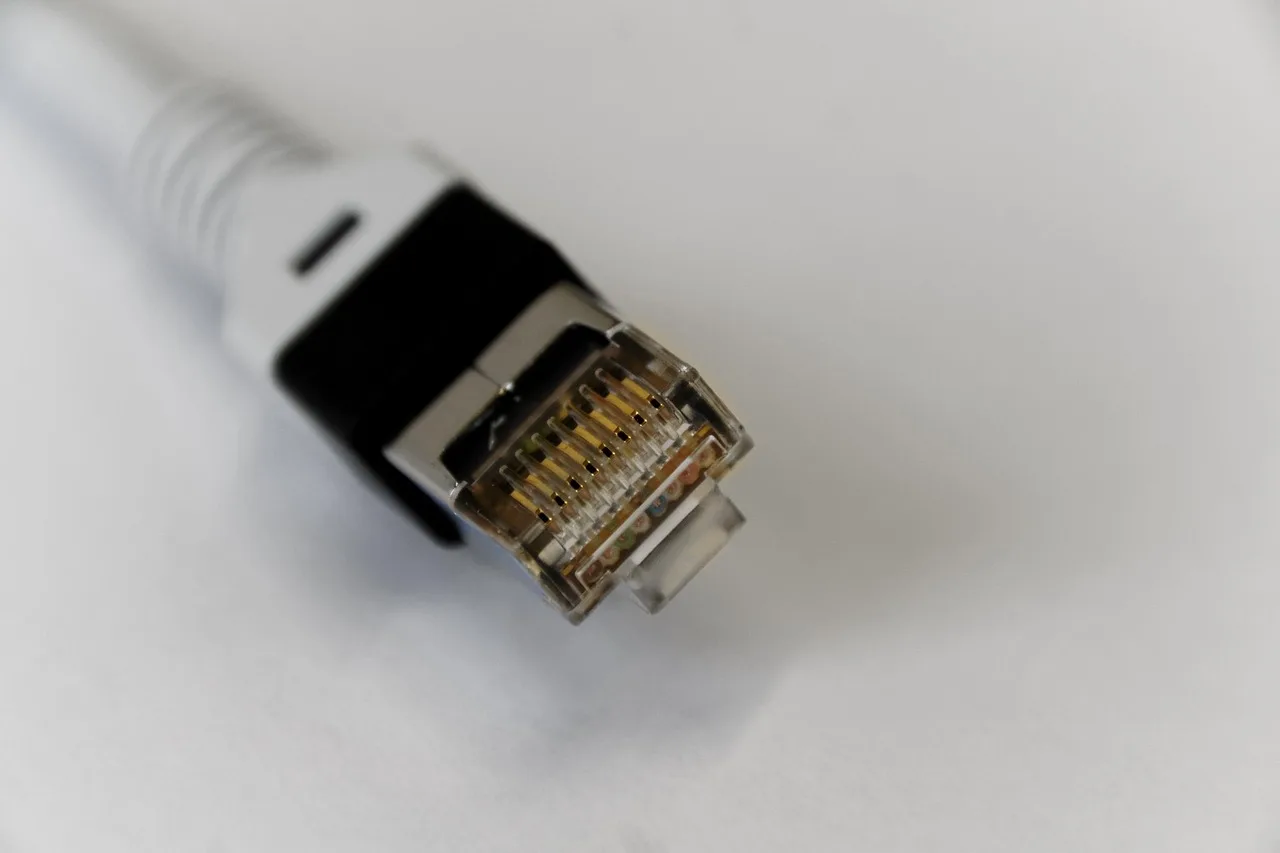
Data center network cabling in use, showing connections to physical equipment
Network cabling in use. This photo illustrates how physical equipment is connected; it does not show the configuration of a specific Mac mini tier. Refer to this page’s directory and your order for machine specifications.

Test the full build workflow as soon as your machine is ready

Once you have your connection details, confirm you can log in remotely. Set up the toolchain for your project and test the complete workflow, from pulling code to exporting build artifacts. For setup, connection, or billing issues, sign in to the console and open a support ticket with the host, time of issue, and checks you’ve already performed.

Clarify what can change before you pay

Renewals, upgrades, and add-ons: what to expect

Options for changes during your rental depend on what’s available in the console and the Terms of Service. Here’s what you’ll need to confirm; don’t assume a change has taken effect until it’s completed.

Will I get a reminder before my rental ends?

Use the end date shown in the console, and schedule exports and renewals in your project plan. Don’t rely on reminders as your only prompt. Check your account for any available notifications and their format. To continue using the machine, review the renewal options in the console and complete the process in advance. Otherwise, service stops at the end of the term, with no automatic renewal.

Can I upgrade if my project outgrows the machine?

First, check the console for available order changes. If there’s no relevant option, open a support ticket with your current and target models, remaining rental time, and migration needs. Any direct change, pricing, or migration requirements depend on the outcome of your request. A physical machine upgrade may require migration—it isn’t a simple memory switch. Export important data before arranging a change.

Can I stop an add-on separately?

When an add-on stops, how that change takes effect, and any related charges depend on the options available for your order and the Terms of Service. Don’t assume you can stop an add-on at any time or receive a refund for unused time. Before changing storage, move any files you need to keep, then confirm the options in the console. If you have questions, include the add-on and your preferred change date in a support ticket.

What happens to the files on the machine after client acceptance?

Before your rental ends, export and verify any source code, build scripts, archived artifacts, and project files you need to keep. Service stops at the end of the term unless you renew. Data retention and handling after the machine stops are covered by the Terms of Service; don’t treat a stopped machine as long-term backup. If you need more time for handoff, complete a renewal before planning further access.

Your next client project starts with a Mac

Rent from $20.7/day, with setup on the day you order. Choose a model and term that fit your client’s schedule. Check setup progress and get help in the console.